


Choosing the right LED wall: technology, pixel pitch and brightness.
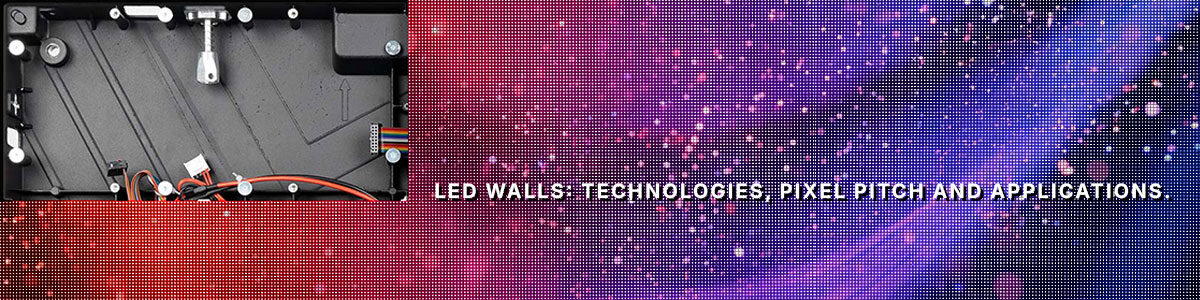
LED wall technologies: SMD, COB and GOB. Which one should you choose?
SMD (Surface Mount Device)
SMD technology has reached a level of maturity that offers competitive costs and simple maintenance. In fact, individual modules or individual LED packages can be replaced. It is the preferred choice for 90% of retail and outdoor installations. Its main advantage is excellent colour rendering and a wide viewing angle (up to 160°).
COB (Chip On Board)
GOB (Glue On Board)
Pixel pitch: how to choose the right resolution
Pixel pitch is the distance between pixels. Whilst the first instinct might be to choose the pitch that offers the highest possible resolution (which inevitably increases costs), we should point out that the highest resolution is not always the right choice in every situation. Below, we look at the most common pixel pitches and the applications for which they are designed:
- P1.2 – P1.8 (Fine Pitch): for meeting rooms, control rooms or luxury showrooms where the viewer is less than 2 metres away. Here, pixel density is crucial for reading small text.
- P2.5 – P3.9: the standard for retail and shop windows. It offers exceptional visual impact from distances of between 3 and 6 metres.
- P4 – P10: used almost exclusively outdoors or in large arenas. The greater viewing distance compensates for the lower pixel density.
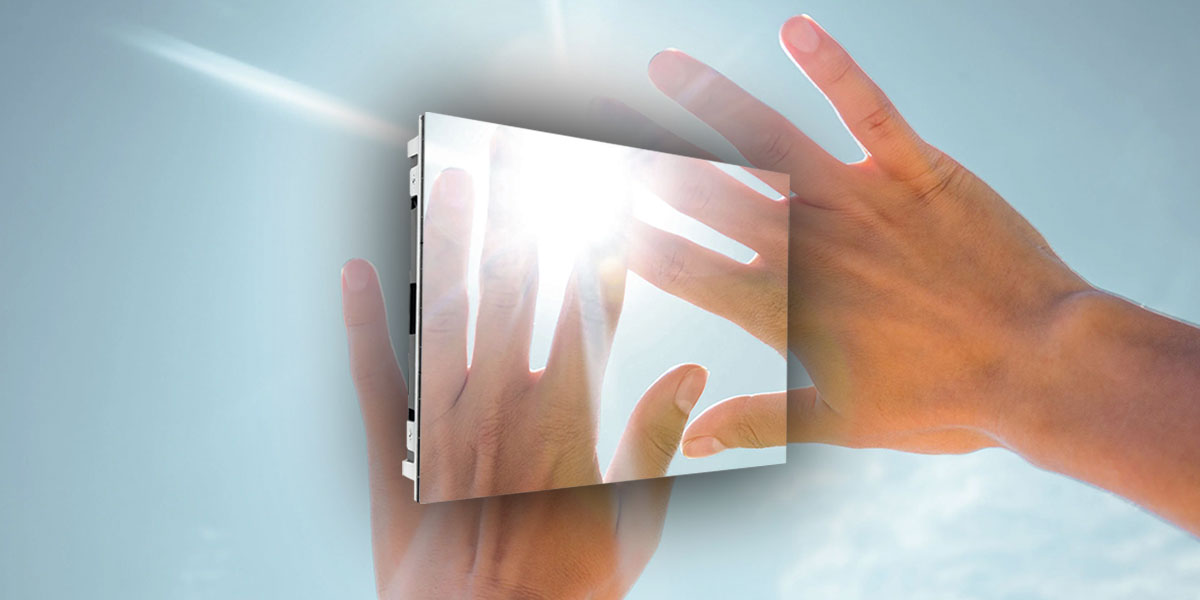
Brightness and refresh rate: two key parameters
Just as with professional monitors, choosing the right brightness is also crucial for LED walls. The aim, of course, is to ensure that content is visible in all lighting conditions, whether in bright light or in the dark. Neglecting this aspect means failing to get the most out of your investment in LED walls and digital signage. Let’s see how to prevent this from happening.
- If the LED wall is to be installed in a bright indoor environment, 600–1200 nits are sufficient to ensure image quality and content legibility.
- If the installation is to take place in a shop window exposed to direct sunlight, 3000–5000 nits will be required to ensure that text and images are not washed out by the sun.
- For outdoor installations, at least 6,000–10,000 nits are recommended to ensure visibility in broad daylight. We are talking about installations in large spaces, fully exposed to the elements and sunlight.
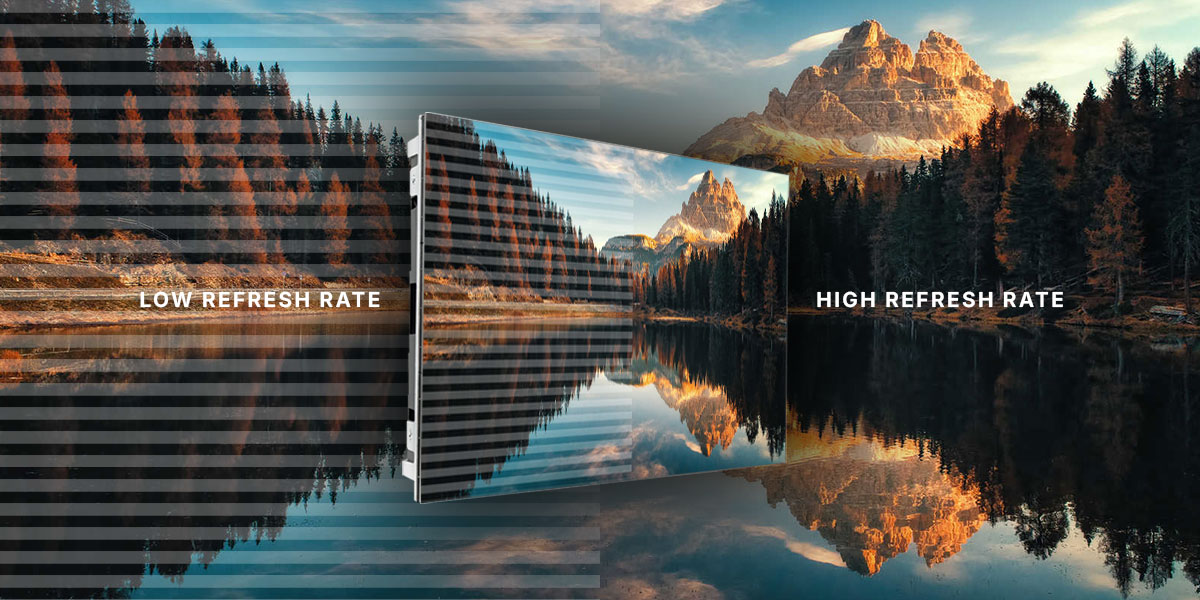
Another key factor to consider when purchasing and installing an LED wall is the refresh rate. What does the refresh rate affect? The smoothness of the videos and images displayed on the panels. A standard of 3840Hz is essential if the LED wall is to be photographed or filmed using a smartphone (this prevents annoying black bars appearing in videos). If the refresh rate is low (e.g. 1920Hz), the human eye won’t notice anything, but the camera will.
Maintenance: front or rear?
One of the most overlooked aspects when choosing an LED wall solution is the type of maintenance and technical accessibility. Why are they so important? Because LED walls, unlike monitors which must be replaced with a completely new unit, allow us to replace the individual panels they are made up of. Choosing the wrong maintenance system can make this replacement difficult or impossible, forcing us to dismantle the entire wall, wasting valuable time and resources.
There are two types of maintenance:
- Front-access: the modules are secured magnetically. They are removed from the front using a suction cup tool. This is mandatory for LED walls installed flush against walls.
- Rear: more common in outdoor settings or in freestanding structures. It requires physical space behind the screen (approximately 60–80 cm) to allow technicians to carry out maintenance
Is an LED wall the right solution for my business?
Whilst a traditional monitor has physical limitations and suffers from glare, the LED wall is a tool that not only conveys information, but also enhances and transforms the environment.
When choosing between an LED wall and a monitor, certain factors must be taken into account.